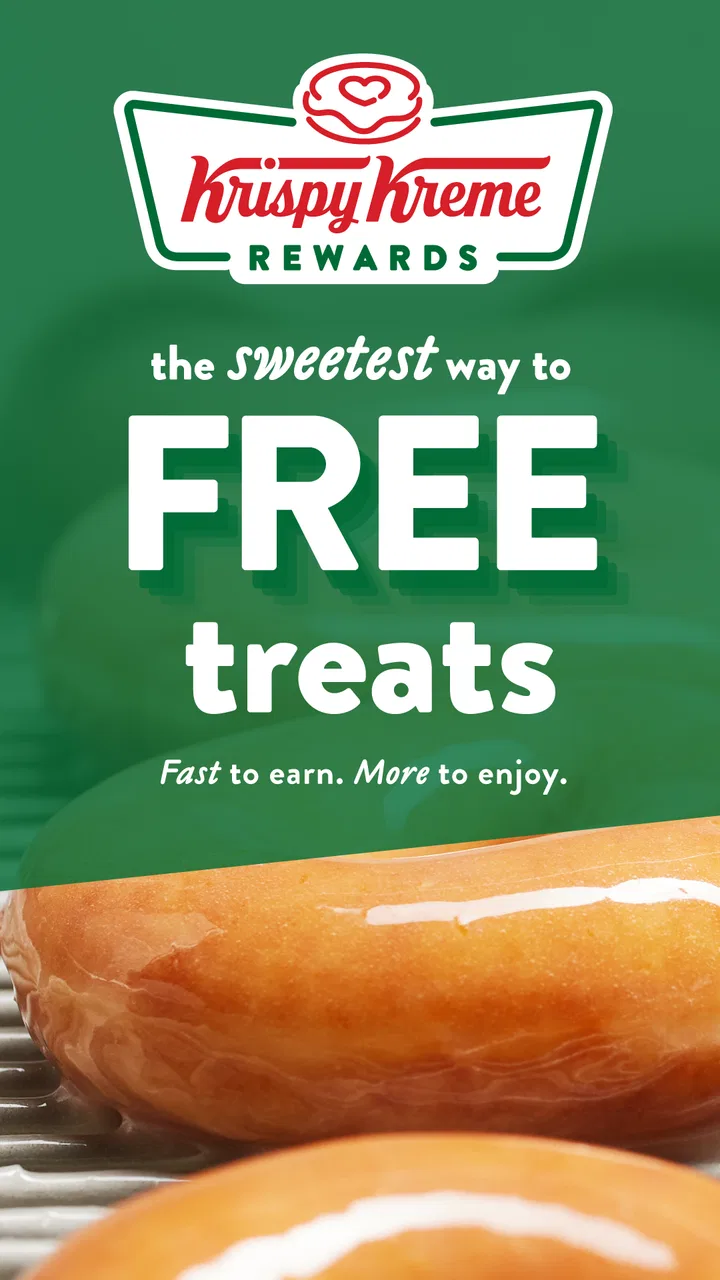
Krispy Kreme
- 3.2
- Rating
- 1.00M
- Installs
- Free
- Price

 Analysis by App-foxy
When I use the Krispy Kreme app, the feature that matters most to me is the combination of mobile ordering and the Hot Light. It is not simply a digital menu for doughnuts. Its real value is helping me decide whether to place an order now, choose a nearby shop, or wait until the familiar red sign means fresh Original Glazed doughnuts are being made. That small difference changes the app from a catalogue into a timing tool.
Krispy Kreme is a free Food & Drink app from Krispy Kreme, aimed at anyone who wants a quicker way to plan a visit or order from a participating shop. It is rated for Everyone, and its long presence on mobile devices is reflected in its release history, beginning in December 2011. The current version is 2026.02.16, and it runs on Android 7.0 or later. I would describe it as most useful when you already know you want Krispy Kreme and need better control over when and where the purchase happens.
Why the Hot Light makes the app more useful than a normal menu
The Hot Light is the app’s most distinctive capability. A standard restaurant ordering app usually answers a simple question: what can I buy? This one can also help answer a more specific question: is this a good moment to go if I want the doughnuts at their freshest? That is especially helpful for someone making a short, deliberate stop rather than browsing for a full meal.
You May Also Like

 Blood Strike: 2.5 Anniversary
Blood Strike’s Loadouts Turn Every Drop Into a Tactical Gamble
A close look at Blood Strike’s custom loadouts: how fast access to signature weapons reshapes its battle royale rhythm, rewards preparation, and narrows the gap between fights.

 Pandora - Music & Podcasts
Pandora’s Music Is Easy to Start, but Harder to Recover
Pandora’s strength is its low-effort path from a seed to a station. Its weak spot is how much confidence it asks you to place in connection, setup, and quiet recovery.

 8 Ball Pool
 Is Built on Rivalries, Rematches, and Routine
A close look at the rivalries, rematches, shared routines, and unanswered safety questions that turn a quick pool match into a persistent mobile community.

 Samsung Music
’s Quiet Strength Is Playing What You Already Own
Its reach comes less from spectacle than from dependable access to a personal library. That simplicity is both the app’s strongest retention engine and its ceiling.

 AccuWeather: Weather Radar
AccuWeather Review: A Quick, Clear Forecast for Everyday Decisions
For everyday plans, the best forecast is the one you can understand quickly. AccuWeather makes rain timing, radar, and local conditions easy to act on, with a few trade-offs.

 Hill Climb Racing
Why Hill Climb Racing Still Turns Crashes Into One More Run
A tiny car, a bumpy hill and one more upgrade: Hill Climb Racing keeps resurfacing because its simple chaos makes every near-miss feel personal.
More From Our News Desk



In my experience, the feature works best as part of a quick decision routine. I can check the app before leaving, look for a nearby location, and use the Hot Light information as a reason to go now instead of postponing the visit. It does not remove every uncertainty from a shop visit, but it gives the timing of the trip more importance than a static menu would.
That distinction is easy to overlook. If I am buying a dozen for a gathering, the ordering side is probably the main attraction. If I am buying a small box for immediate eating, the Hot Light can be more influential than the checkout itself. The app therefore serves two different habits: planned purchasing and freshness-led impulse visits.
Using the app before leaving home
I would begin by selecting a shop rather than opening the app with a fixed assumption about where to go. Location matters because the useful information is tied to a particular Krispy Kreme shop, not to the brand in the abstract. Once the location is chosen, I can review the available ordering path and check whether the Hot Light gives me a reason to adjust my timing.
This is a better workflow than driving to the nearest shop automatically and only then discovering that the visit does not fit my plan. For a busy morning, I can place the order first when that option is available, then use the selected location as the destination. For a spontaneous evening treat, I can reverse the order: check the Hot Light first, then decide whether ordering ahead is worthwhile.
One practical tip is to treat the app as a two-stage tool. First use it for information, then use it for commitment. Checking the Hot Light does not force me to buy anything, so it is useful even when I are still deciding. Ordering should come afterward, once I know the shop and timing suit me. That separation reduces the chance of placing an order before I have worked out whether the trip is convenient.
Where loyalty fits into the routine
The app also includes loyalty, which gives regular customers a reason to keep using it instead of treating it as a one-off ordering screen. I see this as most valuable for people who already visit Krispy Kreme repeatedly. If I only stop in once every few months, loyalty may not change my behavior much. If I visit often, keeping the purchase process and rewards activity in one place is more practical than relying on memory or separate routines.
The important trade-off is that the app becomes more worthwhile as my visits become more regular. A person who buys doughnuts only for an occasional celebration may care more about selecting the right shop and collection timing. A frequent customer may value the loyalty side enough to make the app part of every purchase, even when the Hot Light is not the deciding factor.
I would not install it solely because the word “loyalty” sounds appealing. I would install it if I expect to use Krispy Kreme often enough that having ordering, location information, the Hot Light and loyalty together saves repeated effort. That is a more realistic test than assuming every customer will benefit equally.
A realistic everyday example
Imagine I am leaving work with a box of doughnuts needed for a family visit. I do not want to arrive at a shop, browse slowly, and then carry an uncertain order through a busy trip. I can use the app to identify the practical location, check the Hot Light, and place the order when that fits the shop’s available ordering flow. The main benefit is not that the process becomes magical; it is that I make the important decisions before I am standing at the counter.
There is a second version of the same scenario. Suppose I am already nearby and only want a couple of doughnuts while they are especially fresh. In that case, opening the app to check the Hot Light may be more useful than starting an order. If the timing works, I go. If it does not, I can avoid making a special trip based on an assumption. This is where the app feels more thoughtful than a basic digital menu.
For a larger order, I would still review the basket carefully before confirming it. Mobile ordering reduces conversation at the counter, but it also means I need to catch mistakes myself: the selected location, the items, the quantity and the intended collection timing. The app helps organize the purchase, yet it does not replace the need to read what I am submitting.
What the app does better than usual alternatives
The usual alternative is visiting the shop directly. That can be perfectly fine when I am already passing by, but it gives me less ability to plan around the Hot Light before I leave. It also makes a larger order more dependent on what I decide at the counter. The app is stronger when timing and preparation matter.
Another alternative is using a general delivery or restaurant-ordering service. Those services can be convenient when I want several restaurants in one place, but they are less focused on the Krispy Kreme experience. The dedicated app puts the Hot Light and the brand’s loyalty path closer to the ordering decision. For a customer who specifically wants Krispy Kreme rather than simply “something sweet,” that focus is meaningful.
On the other hand, a general service may be preferable when I am comparing multiple restaurants, arranging a broader meal, or already have another ordering app open. The dedicated app is not a universal replacement for every food-ordering habit. Its advantage comes from being specific: it makes a Krispy Kreme visit easier to time and organize.
Trade-offs, limitations and the people who benefit most
The app’s average rating is 3.2 from around 16 thousand ratings, with roughly 7 thousand written reviews. I read that as a useful warning against expecting a flawless experience on every device or at every shop. The concept is clear and practical, but an ordering app is only as smooth as the location selection, current availability and collection process behind it. I would keep a little flexibility in my plans rather than treating the app as a guarantee that every visit will be frictionless.
Its reach is substantial, with more than a million installs, but popularity does not make it the right choice for everyone. Someone who rarely eats Krispy Kreme, has no convenient shop, or prefers choosing everything face to face may gain very little. Installing another app can feel unnecessary when the visit is already spontaneous and uncomplicated.
The Hot Light also requires sensible interpretation. I would use it as a timing signal, not as a promise that every item I want will be waiting exactly when I arrive. If I need a particular assortment for an event, I would prioritize checking the order details and selected shop. If I simply want the freshest possible Original Glazed experience, the Hot Light becomes the more relevant guide.
There is a subtle trade-off between speed and control. Ordering ahead can make a planned stop feel efficient, but it also commits me to a chosen location and basket earlier than an in-person visit does. Browsing in the shop gives me more room to change my mind. I prefer the app when I know the purpose of the trip; I prefer the counter when discovery and flexibility are more important.
Another useful habit is to separate a convenience problem from a freshness problem. If my main concern is avoiding a queue or preparing a larger purchase, mobile ordering is the feature to emphasize. If my main concern is whether the doughnuts are being made fresh at that moment, I would check the Hot Light before spending time on the basket. This simple distinction prevents me from using the wrong part of the app for the job.
Who should install it
I think the strongest audience is made up of regular Krispy Kreme customers, people who make planned doughnut runs, and anyone who cares about coordinating a visit with the Hot Light. It is also a sensible option for someone ordering for an office, family gathering or small celebration, because preparing the purchase away from the counter can make the visit easier to manage.
It is less convincing for a person who is only curious about the menu, lives far from a shop, or normally walks in without planning. That person may download it, discover that the app does not change the basic decision, and stop using it. The loyalty component can improve the case for repeat customers, but it does not automatically create value for occasional visitors.
I would also think about device compatibility before installing: the Android version requirement is 7.0 or later. That covers many older devices, although anyone using an especially old phone should check compatibility in the relevant app store. The app is free to download, so the decision is mainly about usefulness and habit rather than an upfront purchase.
My final take on the experience
The Hot Light is the reason I would recommend this app over relying only on a normal menu. It gives a Krispy Kreme visit a timing element, while mobile ordering handles the practical side and loyalty supports repeat use. Those pieces work together best when I already have a clear reason to visit and want to make the trip more deliberate.
I would not present it as essential for every doughnut fan. The app cannot make a distant shop convenient, and it is not automatically better than walking in when I am already nearby. Its strongest use is narrower and more useful: check the situation, choose the right shop, decide whether freshness or speed matters more, and then order only when the plan is clear.
For me, that focused purpose is enough to recommend it to regular customers. Krispy Kreme’s app is at its best when it turns a vague craving or a rushed collection into a better-timed visit. If that sounds like the way you buy doughnuts, it is worth trying. If you prefer spontaneous counter service and rarely return to the same brand, the traditional approach may remain simpler.
FAQs for Krispy Kreme
01What features does the Krispy Kreme app offer?
The Krispy Kreme app provides a range of features including the ability to locate the nearest store, order your favorite doughnuts for pickup or delivery, and earn rewards with every purchase. Additionally, users can receive notifications about special promotions and new product launches.
02How does the rewards program work within the app?
The Krispy Kreme app offers a rewards program where users earn points for every purchase made through the app. These points can be redeemed for free doughnuts or beverages. The app keeps track of your points and notifies you of any available rewards or special offers.
03Is it possible to customize my order through the app?
Yes, the Krispy Kreme app allows for customization of orders. You can select your preferred doughnut flavors, add extra toppings, and even specify quantities for each type. This ensures that your order is just the way you like it, making your experience more personalized.
04Does the app offer any exclusive deals or discounts?
The Krispy Kreme app frequently features exclusive deals and discounts that are not available elsewhere. Users can receive special app-only promotions, including discounts on select products and early access to new items. These offers are regularly updated, so checking the app often is beneficial.
05What are the technical requirements for using the Krispy Kreme app?
The Krispy Kreme app is available for both Android and iOS devices. It requires a stable internet connection and is compatible with most recent versions of these operating systems. Ensure your device has enough storage space and is updated to the latest software version for optimal performance.
Pros
- User-friendly interface for easy navigation.
- Wide range of doughnut flavors available.
- Real-time notifications for fresh batches.
- Rewards program for frequent buyers.
- Seamless online ordering system.
Cons
- Limited delivery areas covered.
- App can occasionally lag on updates.
- Requires location access for full features.
- In-app promotions can be overwhelming.
- Limited customization for orders.

Krispy Kreme
Gallery